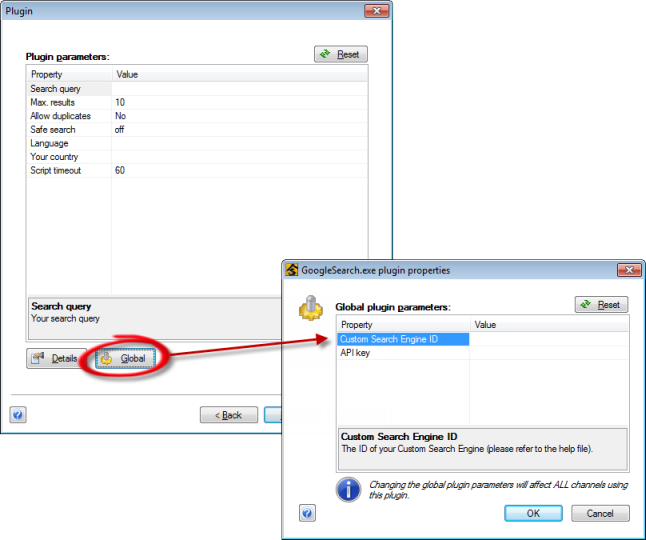
Create a Custom Search Engine
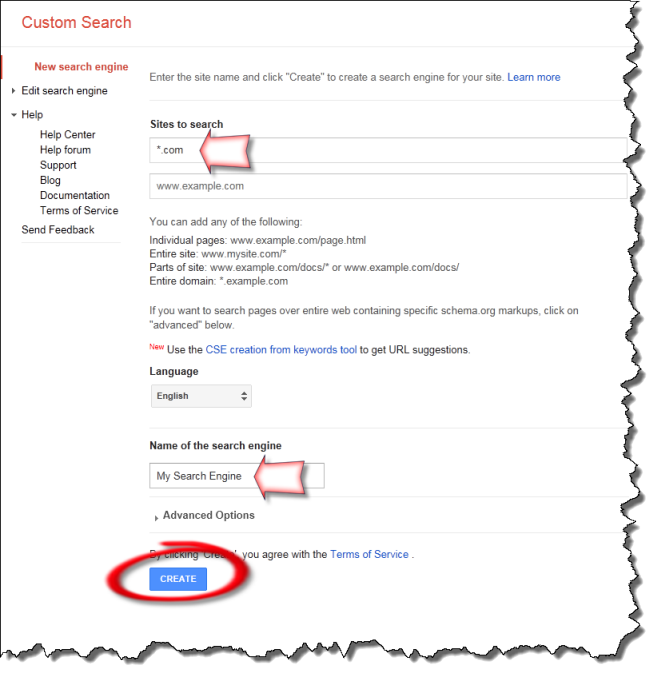 First, we need to go to Google and create a Custom Search Engine, that will provide us with search results (requires a Google account).
- Google will ask you to specify what web sites you want to search. We will change this later to do a full web search, but what you enter here will be emphasized in your search results.
- Give your CSE a name, then click on Create.
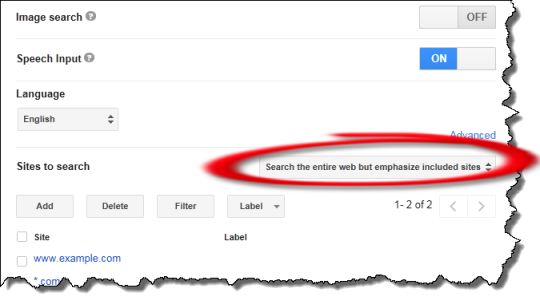
- After Google has finished creating your CSE, click on Control Panel to update its configuration.
- Change the CSE to "Search the entire web but emphasize included sites".
If it's useful to you, tweak the emphasized sites.
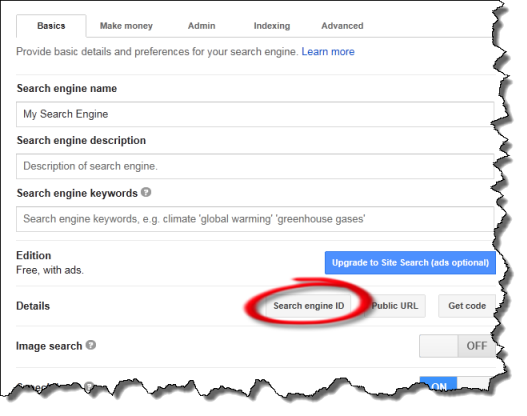
- Finally, click on Search engine ID to get your CSE's ID.
- Take a copy of this ID; we will need to configure it in the Awasu plugin.