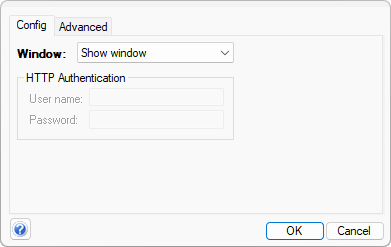
 URL tools can be opened either in Awasu or an external browser window, or they can be configured to send a silent request.
There are three types of user tool, differentiated by their command:
URL tools can be opened either in Awasu or an external browser window, or they can be configured to send a silent request.
If POST data is configured (in the Advanced page), an HTTP POST request is sent, otherwise an HTTP GET is sent.
A username/password can also be configured here for requests that require authentication.
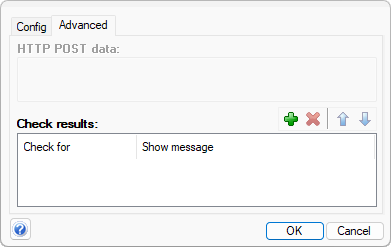 The response from URL and application tools can be checked and the user notified of the result.
A list of regular expressions can be configured that the response is checked against, and a message shown to the user if any match. For URL tools, the RE's are tested against the HTTP response while for applications, the response starts with EXIT CODE: ..., followed by the stdout output, then the stderr output.
For example, if the tool is an application that exits with 0 if it is successful, you could add the following two checks:
| EXIT CODE: 0 | Success! |
| EXIT CODE: (\d+) | Failed - error code {%1%} |