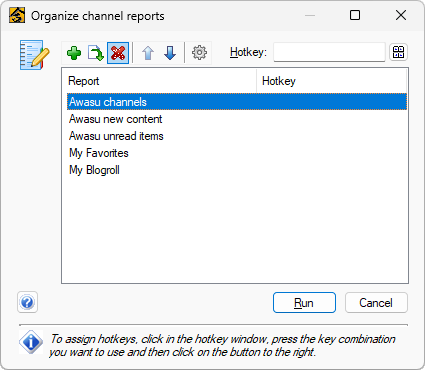
 Open the Channel Reports dialog from the main menu.
Channel reports allow information to be extracted from Awasu and exported in any format [1].
Content can be taken directly from your channels (selected either via a channel filter or channel folders) or you can collect stories of interest in a workpad, edit them, add your own comments and then export everything to a report.
Once a report has been generated, further custom processing can be done on it (e.g. conversion to a PDF, merging with other reports), and it can be emailed out or uploaded to a web site.
Open the Channel Reports dialog from the main menu.
To create a new channel report, click on the green plus icon to start the Channel Report Wizard that will guide you through the process [2].
For quick access, hotkeys can be assigned to channel reports:
