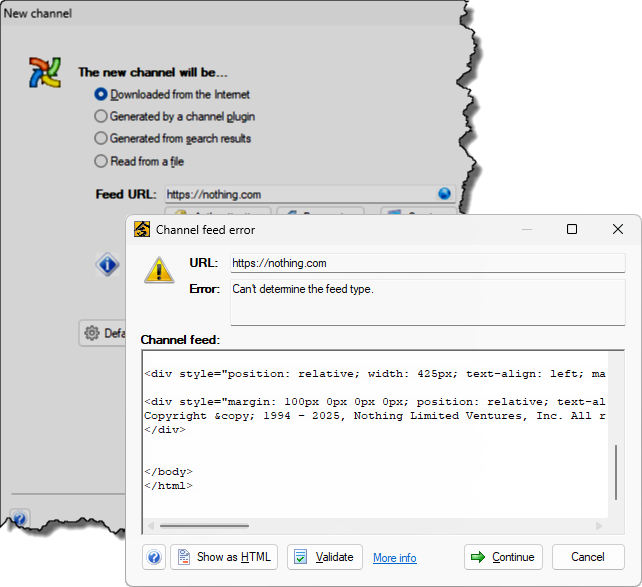
 Sometimes there will be a problem with the feed, which will prevent the Channel Wizard from progressing.
Sometimes there will be a problem with the feed, which will prevent the Channel Wizard from progressing.
Common reasons for feed errors are given below and while in all cases, you can ignore the error and continue on, this is not recommended unless you are sure you know what you are doing.
Feeds are not the same as web pages so simply entering the address of your favorite web site into the Channel Wizard may not work [1].
You should find out if the site offers a feed and what its URL is. Icons are often used to highlight their feeds (commonly  or
or  ), and these can be dragged into the My Channels window.
Some sites support auto-discovery in which case you just have to open the web site in Awasu and you will be notified that a feed has been found.

Sometimes a feed will be rejected because it contains errors. Click on the Validate button to submit the feed to the Feed Validator for checking.
If the feed is invalid, the best solution is to contact the publisher and let them know so that they can fix it [2].
Some feeds require you to be logged in before you can use them.
The easiest way to check this is to click on the Show as HTML button. If you are taken to a login page, then this is probably what has happened.
You should either be logged in before you start Awasu or open a window in Awasu and log in from there.