 The main new feature in this release is a new search engine (FTS5).
IMPORTANT: This is an alpha release (what's this?). Some features may not be complete and there will probably be bugs!
You must be already running Awasu 3.2 or later.
To install:
The first time you run Awasu, you will be asked if you want to upgrade to the new search engine. It is strongly recommended that you do so. The only time you might not want to do this is if you have a lot of search channels and search agents, and you are happy with how they're working now.
If you choose to upgrade, Awasu Administration will automatically be started, to rebuild the search index.
 ).
).
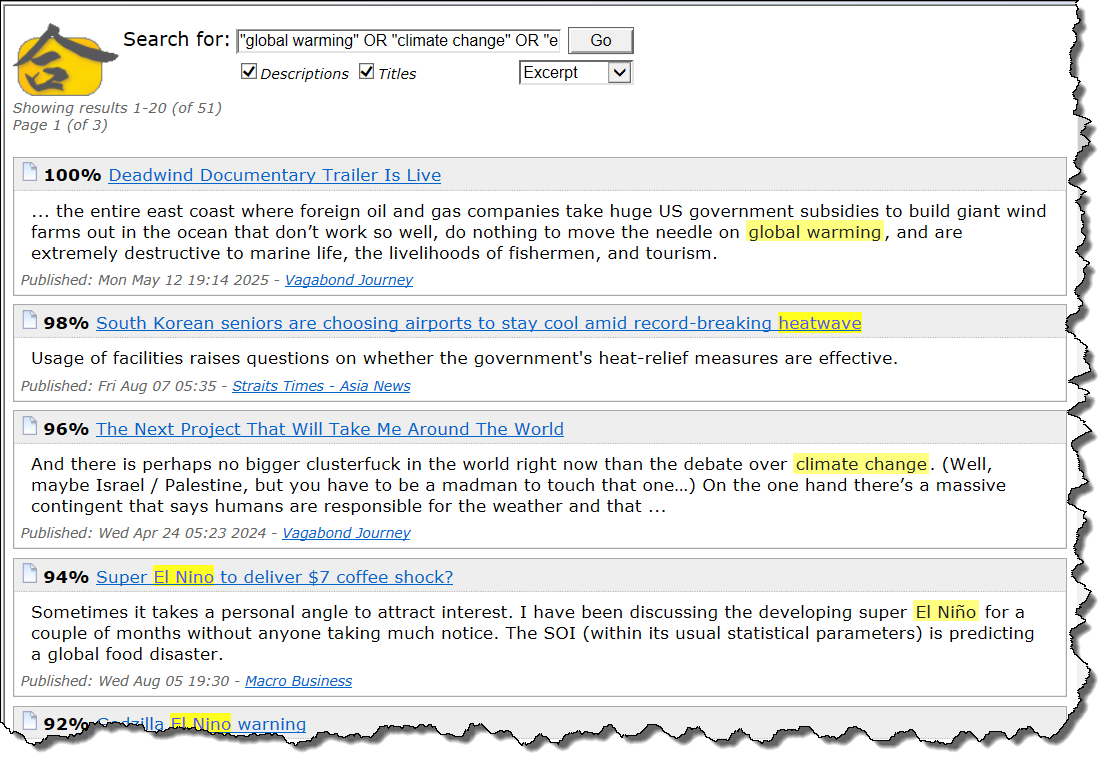
The main new feature in this release is a new search engine (FTS5).
Matching search terms are now highlighted (see right), and it runs significantly faster.
In fact, it's so much faster now, you may want to consider disabling the setting Restrict search index updates (in the Archive tab of the Program Options dialog), so that new content will show up immediately in search results, instead of waiting until the current batch of channels finish updating.
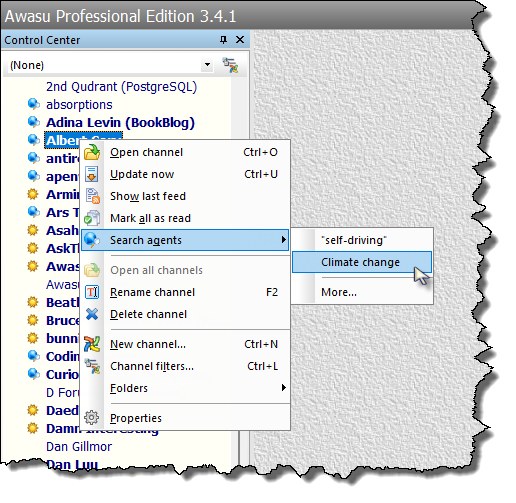 Search agents that match a channel or feed item are now shown in a sub-menu under the main context menu.
If you open a matching search agent, only results from that channel will be shown.
You can also:
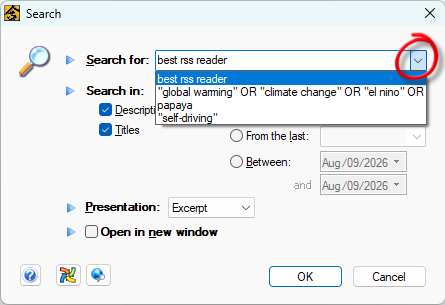 A history of recent search query strings is now kept.
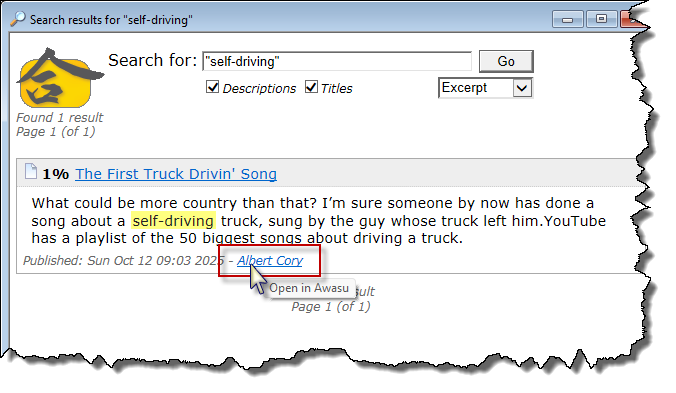 A search result's icon is now no longer clickable; use its secondary link instead to open the feed item in Awasu.
Clicking on this link will now always show Awasu's copy of that feed item, even if it wouldn't normally be shown when opening its channel window.
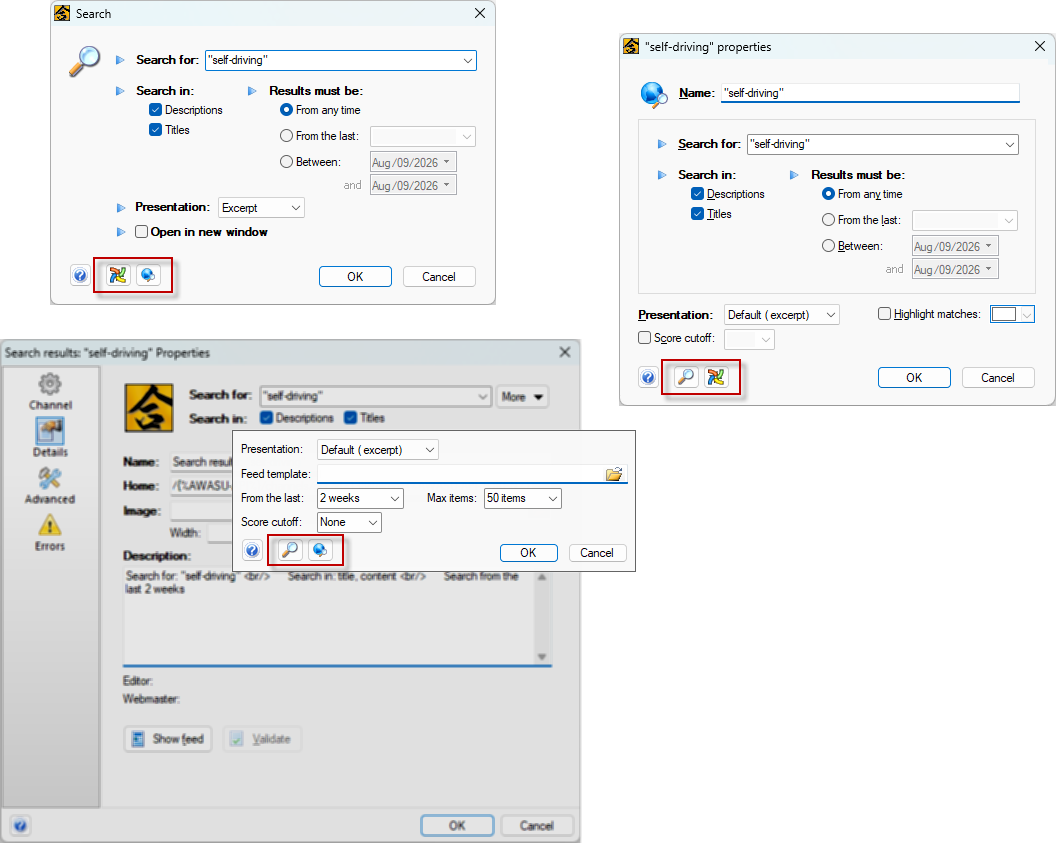 Search queries, search agents, and search channels can now be easily converted from one to another.
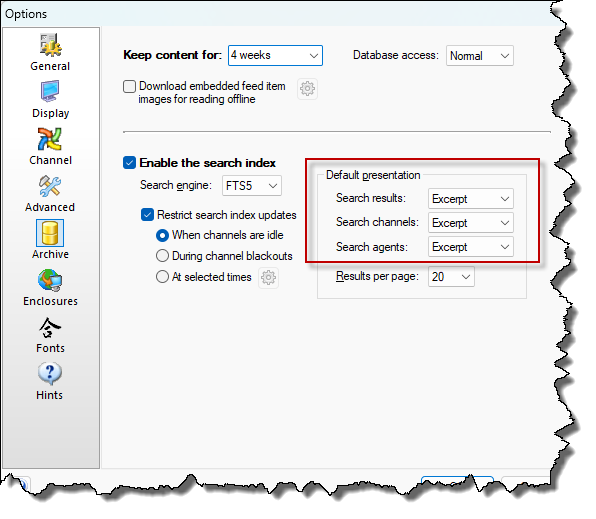 The default presentation of feed content can now be set for search results, search agents and search channels (in the Archive tab of the Program Options dialog).
Other changes:
Search terms are either single words, or quoted phrases. If there are more than one of these, they are AND'ed together, by default. So, for example:
foo bar NOT "fizz buzz"
will match all feed items that contain foo and bar, and don't contain fizz buzz.
An asterisk can be used as a wildcard, at the end of a search term e.g.
bus*
will match feed items that contain bus, or busted, or buses, etc.
More complex queries can be built up using parentheses e.g.
foo bar AND ( fizz OR buzz )
will match feed items that contain both foo, and bar, and either fizz or buzz.
The full documentation is here, but note that Awasu tries to auto-correct some common misteaks, so let me know if you think that things aren't working when they should, and I'll take a look.